
01
Create your Outbaksho account.
02
Generate an API key from your developer dashboard.
03
Send your first API request or create a 3D model through the web platform.
04
Download or integrate your generated assets into your workflow.
Explore comprehensive documentation, API references, SDKs, tutorials, and integration guides to start building AI-powered 3D applications with confidence.
Generate your first 3D model in under a minute.
curl -X POST /v1/generate
-d '{ prompt: "drone" }'
→ 200 · job.queued
On this page
One platform
Built for developers,
creators & teams.
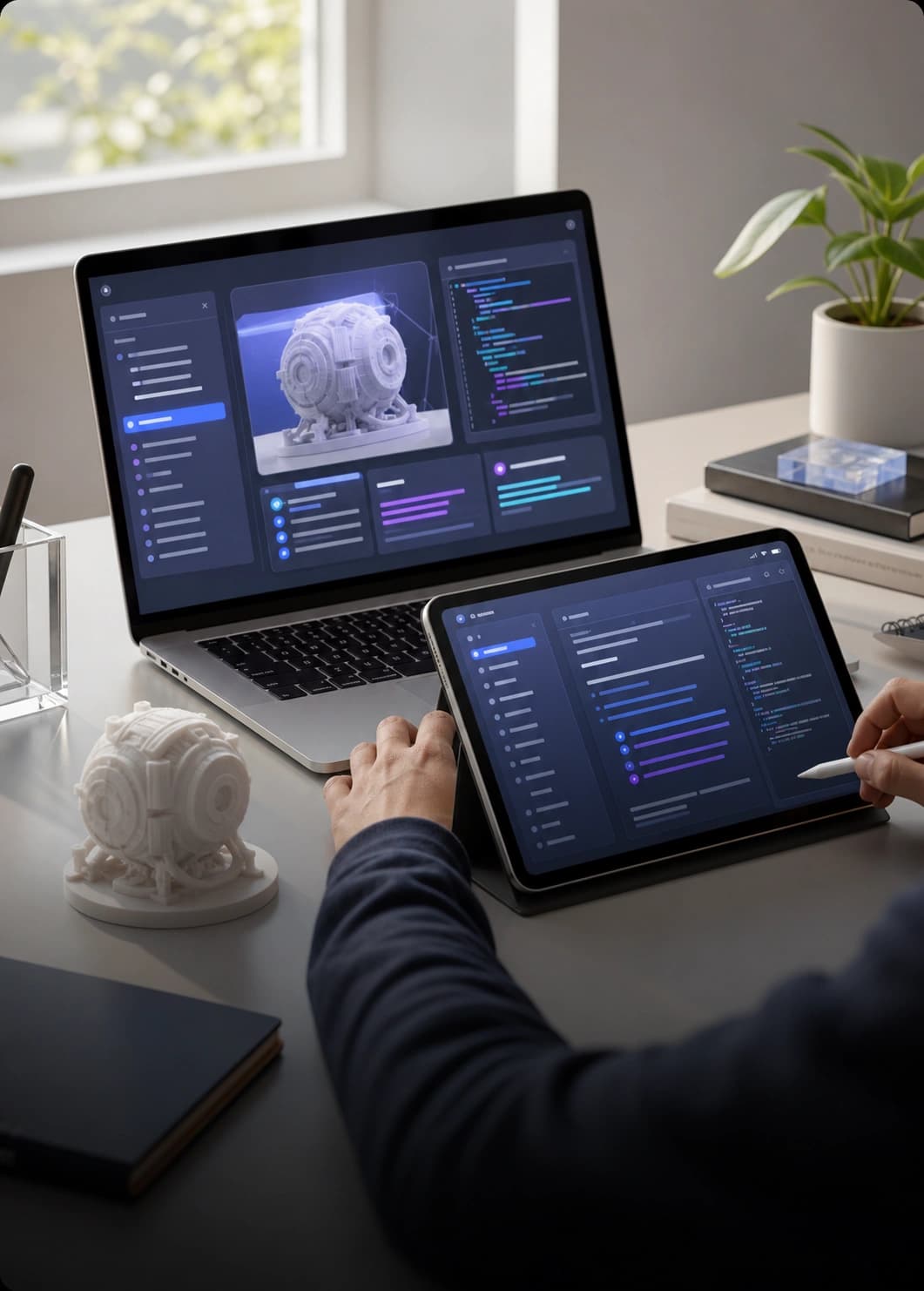
The Outbaksho Documentation provides developers, creators, and enterprise teams with everything needed to use the platform effectively. From getting started to advanced API integration, you'll find practical guides, code examples, and best practices to accelerate your development workflow.
Practical guides and concepts that get you from zero to your first 3D generation.
Code examples and best practices to craft high-quality assets and workflows.
Endpoint references and SDKs to embed Outbaksho anywhere in your stack.
Everything is organized so you can jump straight to what you need — whether that's your first generation or a production integration.
Start using Outbaksho in just a few steps.
Includes
Complete reference for all API endpoints.
Includes
Integrate Outbaksho into your applications using official SDKs.
Supported Languages
Step-by-step guides for common workflows.
Popular Tutorials
Learn how to get the best results from the platform.
Topics
Browse every guide, reference, and example in one searchable place.
Everything you need to go from your first request to a production integration — navigate it from the sidebar.
Create your Outbaksho account.
Generate an API key from your developer dashboard.
Send your first API request or create a 3D model through the web platform.
Download or integrate your generated assets into your workflow.
/v1/generate/text-to-3d stableSecure every API request using your unique API key.
6 formats
7 formats
Everything you need to know about keys, SDKs, examples, and support.
Can't find what you're looking for? Our technical support team and developer resources are here to help you integrate Outbaksho successfully.
obk docs search "webhooks"
→ 4 guides · 12 references
obk support --open
→ connected to a human