
Convert Images into High-Quality 3D Assets
Turn a single image, product photo, concept artwork, or illustration into a detailed 3D model with Outbaksho's AI-powered Image-to-3D technology — editable, production-ready assets for games, AR/VR, e-commerce, and more.
product-photo.png
Source
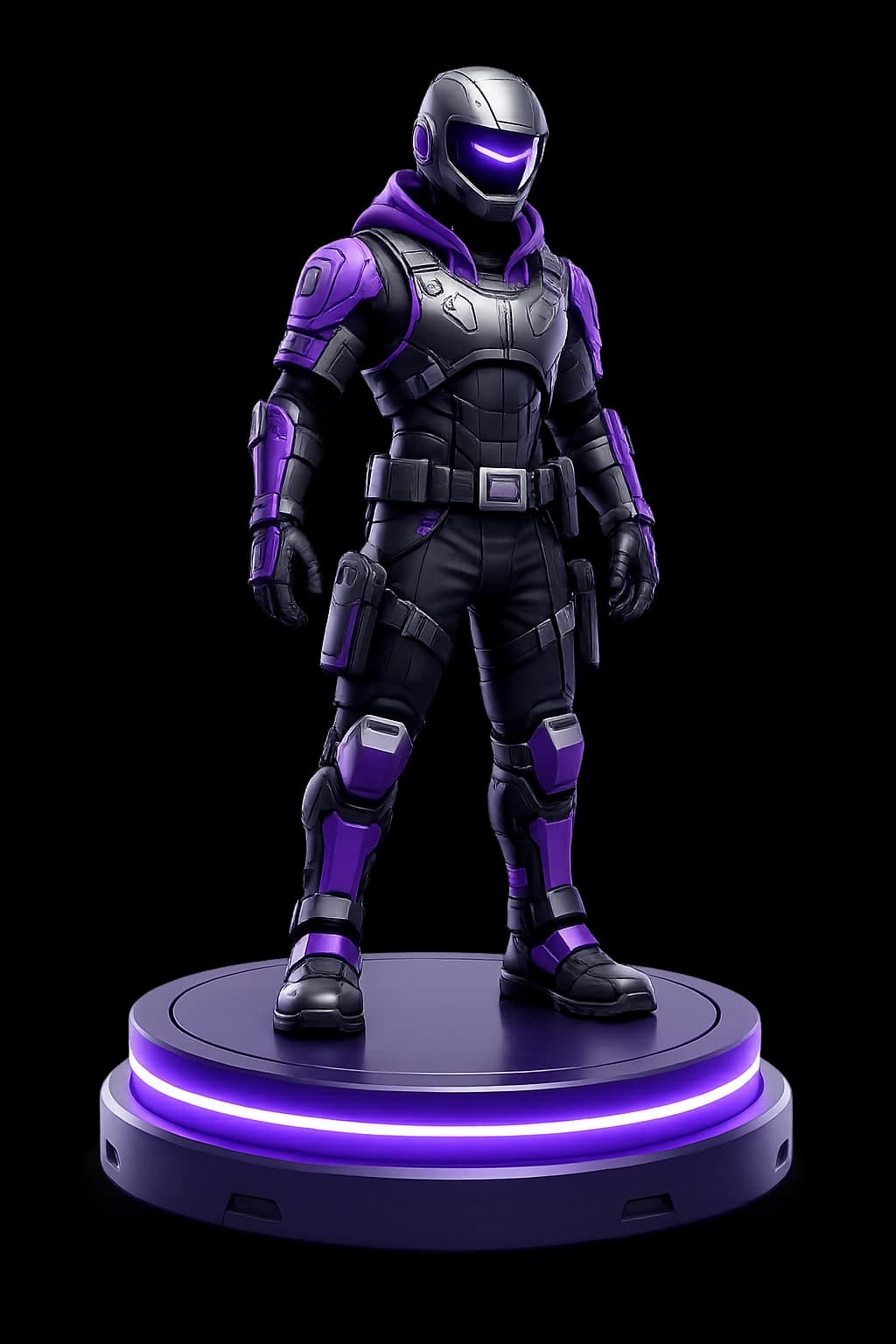
character-concept.png · analyzing depth
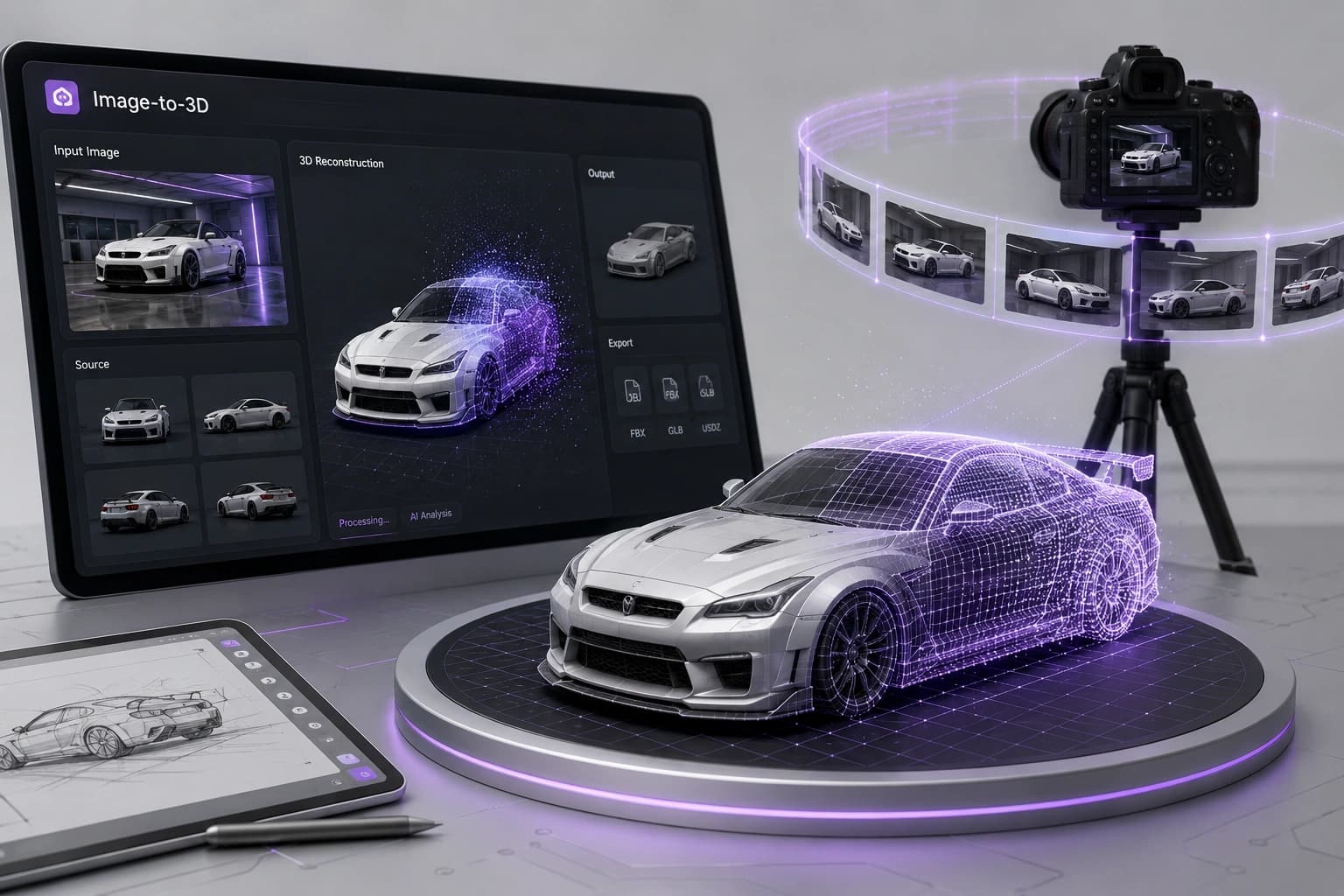
One image, a full 3D model
Outbaksho's Image-to-3D engine analyzes the shape, structure, depth, and visual details of your uploaded image to generate an accurate 3D model. Start from a product photo, concept art, or design sketch and get editable assets ready for professional workflows.
See how it worksShape & depth
Geometry reconstructed from a single photo
Editable meshes
Clean topology you can keep refining
Texture extraction
Surface detail pulled straight from pixels
Production-ready
Export-ready assets for real pipelines
From image to editable 3D
Drop in a single image and four steps take you to a clean, production-ready mesh — no modeling skills required.
Upload an Image
Upload a product photo, illustration, concept artwork, or reference image in a supported format.
AI Analyzes the Image
The AI identifies shapes, depth, edges, and visual details to reconstruct a 3D model.
Refine in 3D Studio
Adjust geometry, materials, textures, lighting, and scale using the integrated 3D Studio.
Export
Download your optimized 3D asset in the format required for your production workflow.
Drag & drop your image
or click to browse
up to 25 MBSupported Formats
Clear, well-lit images with a single subject and a plain background produce the most accurate 3D reconstructions.
One image in, a full model out
AI Shape Reconstruction
Reconstruct accurate 3D geometry from a single reference image.
Intelligent Depth Estimation
Estimate object depth and dimensions to create realistic models.
Automatic Mesh Generation
Generate clean, editable meshes suitable for professional workflows.
AI Texture Extraction
Preserve colors, textures, and surface details from the original image.
Smart Material Assignment
Generate materials based on detected surfaces and object characteristics.
High-Quality Output
Produce production-ready assets compatible with modern 3D pipelines.
Works with any visual input
 01
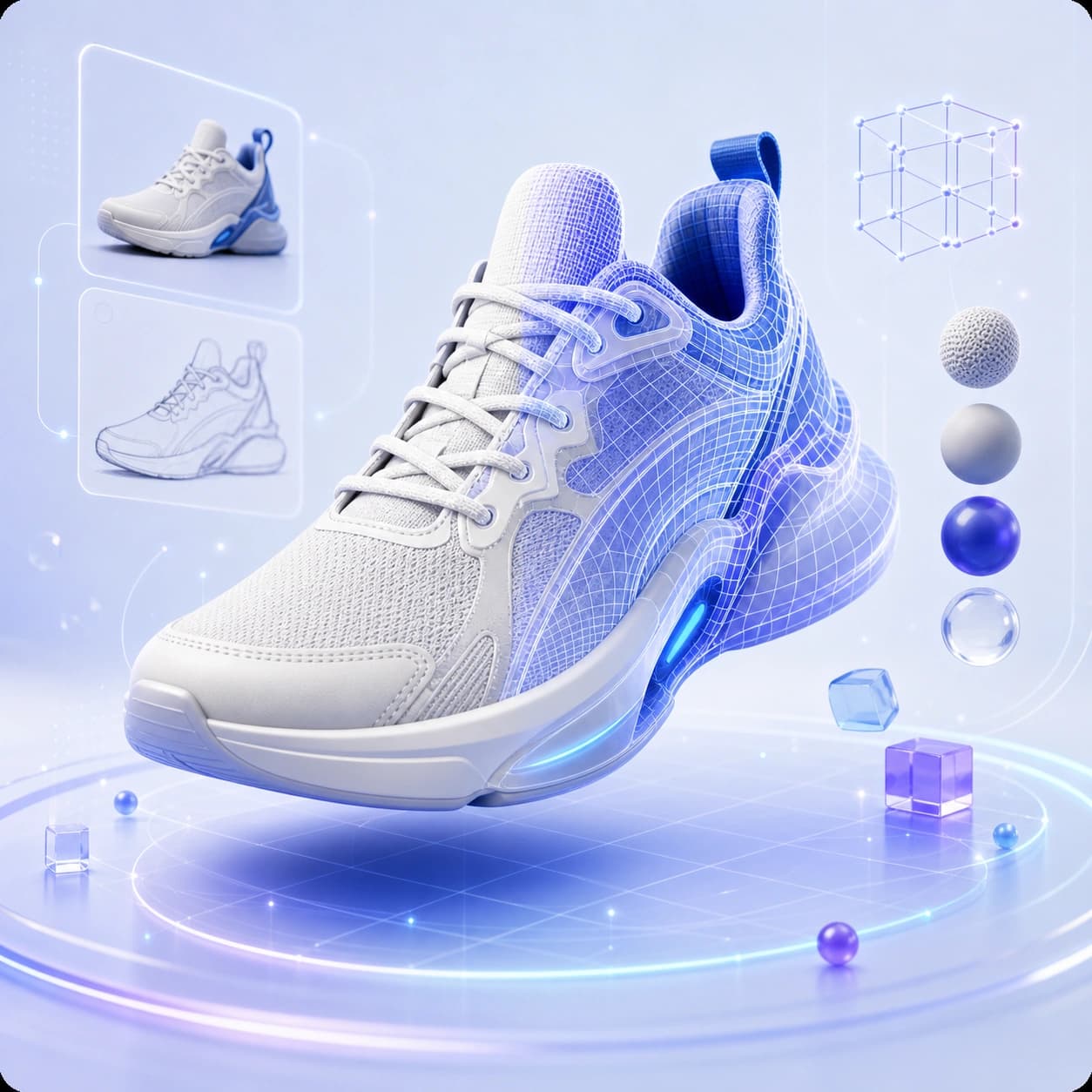
01Product Photography
Convert product images into interactive 3D models.
 02
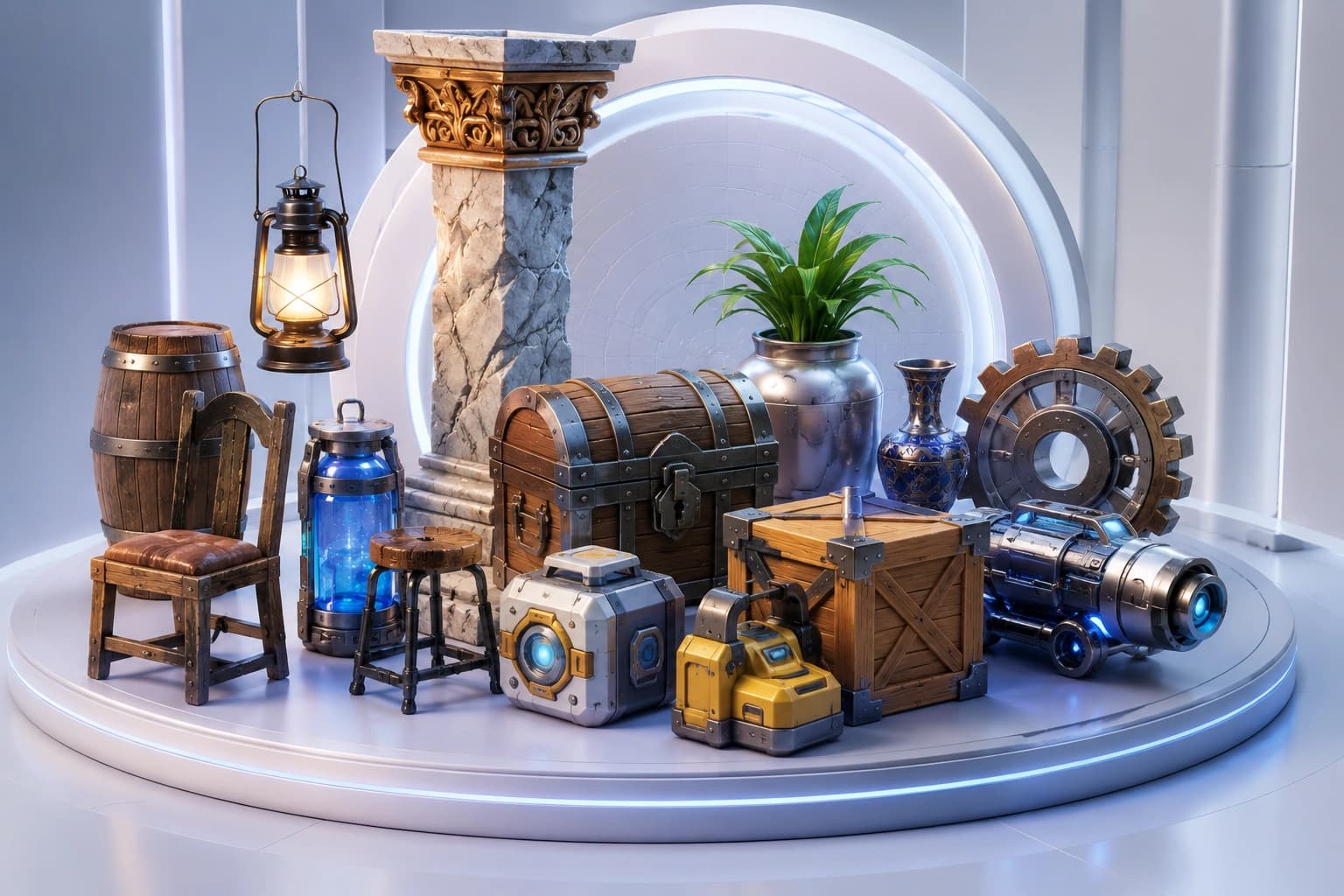
02Concept Art
Transform concept illustrations into editable 3D assets.
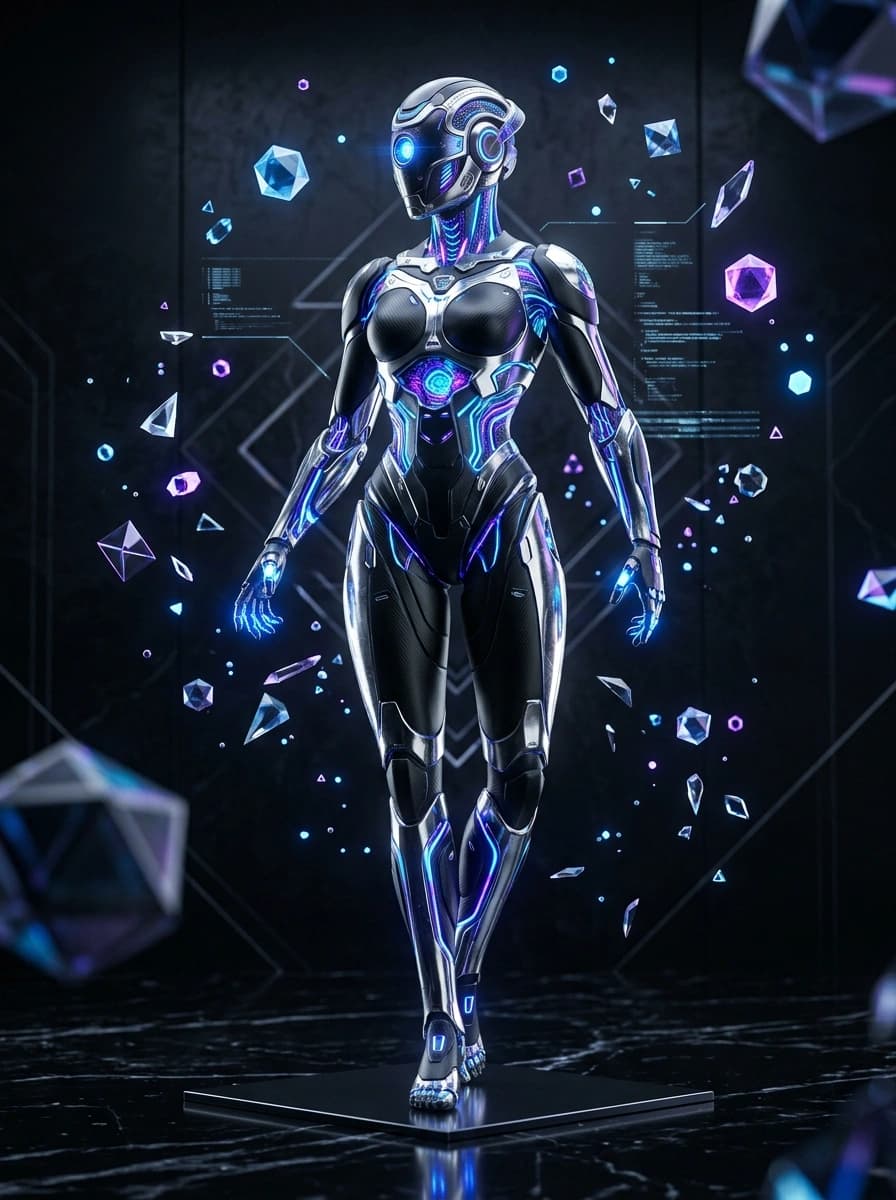 03
03Character Artwork
Generate stylized or realistic 3D characters from artwork.
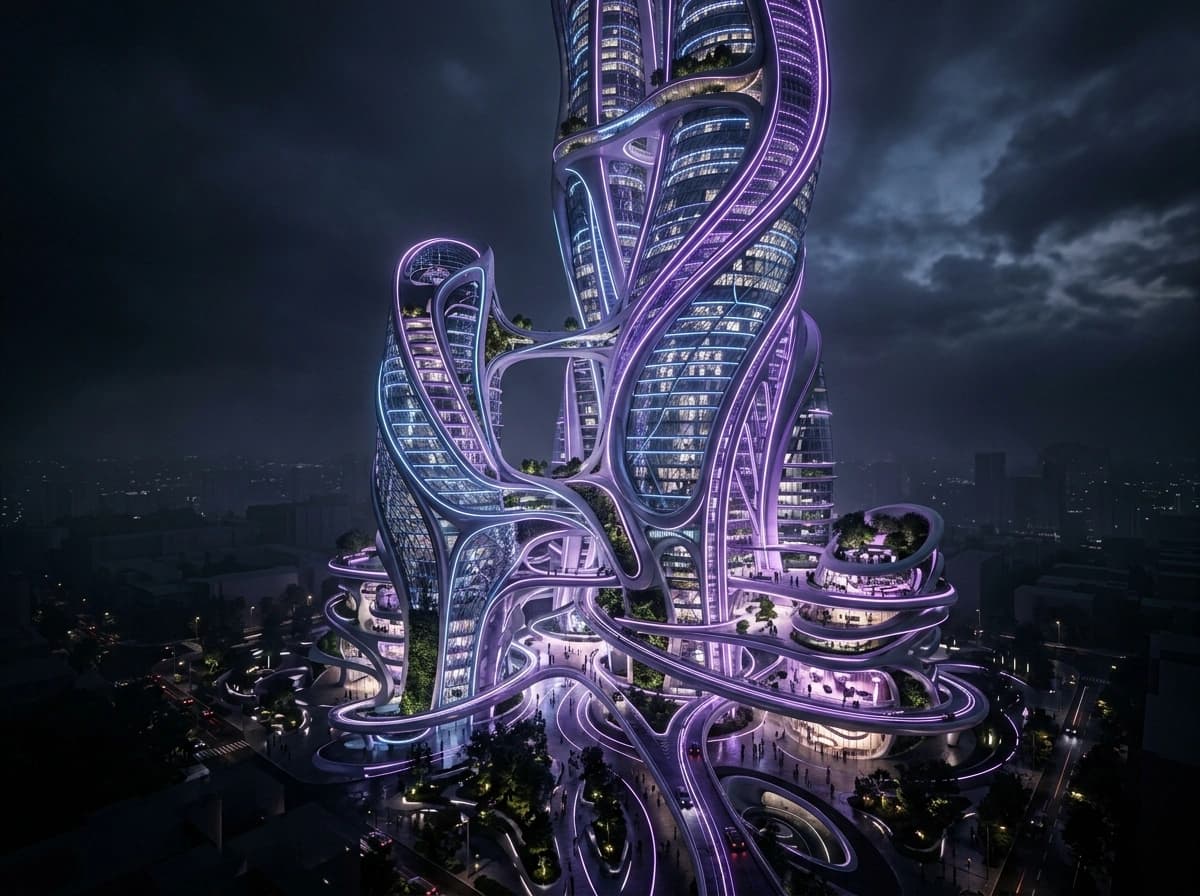 04
04Architecture
Convert building concepts and floor visuals into 3D representations.
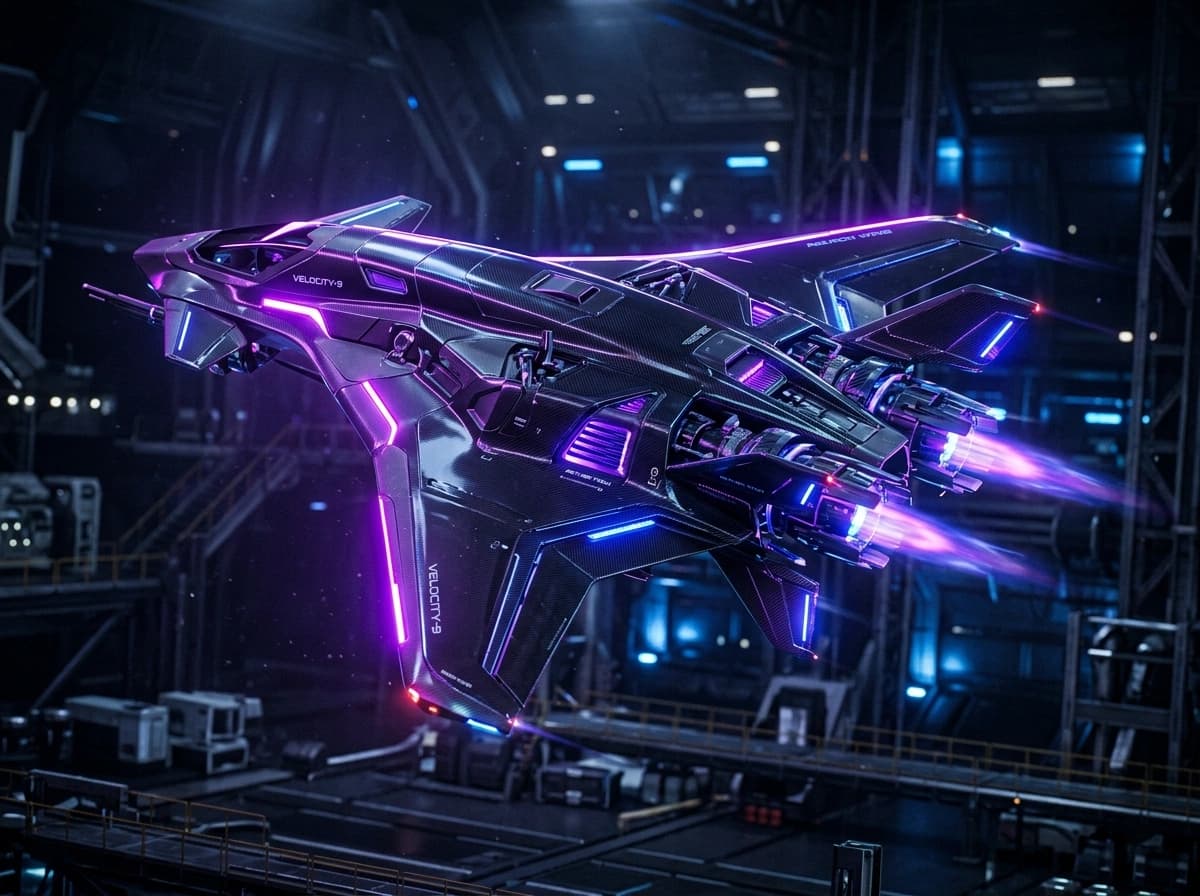 05
05Industrial Designs
Create prototypes from engineering illustrations and product concepts.
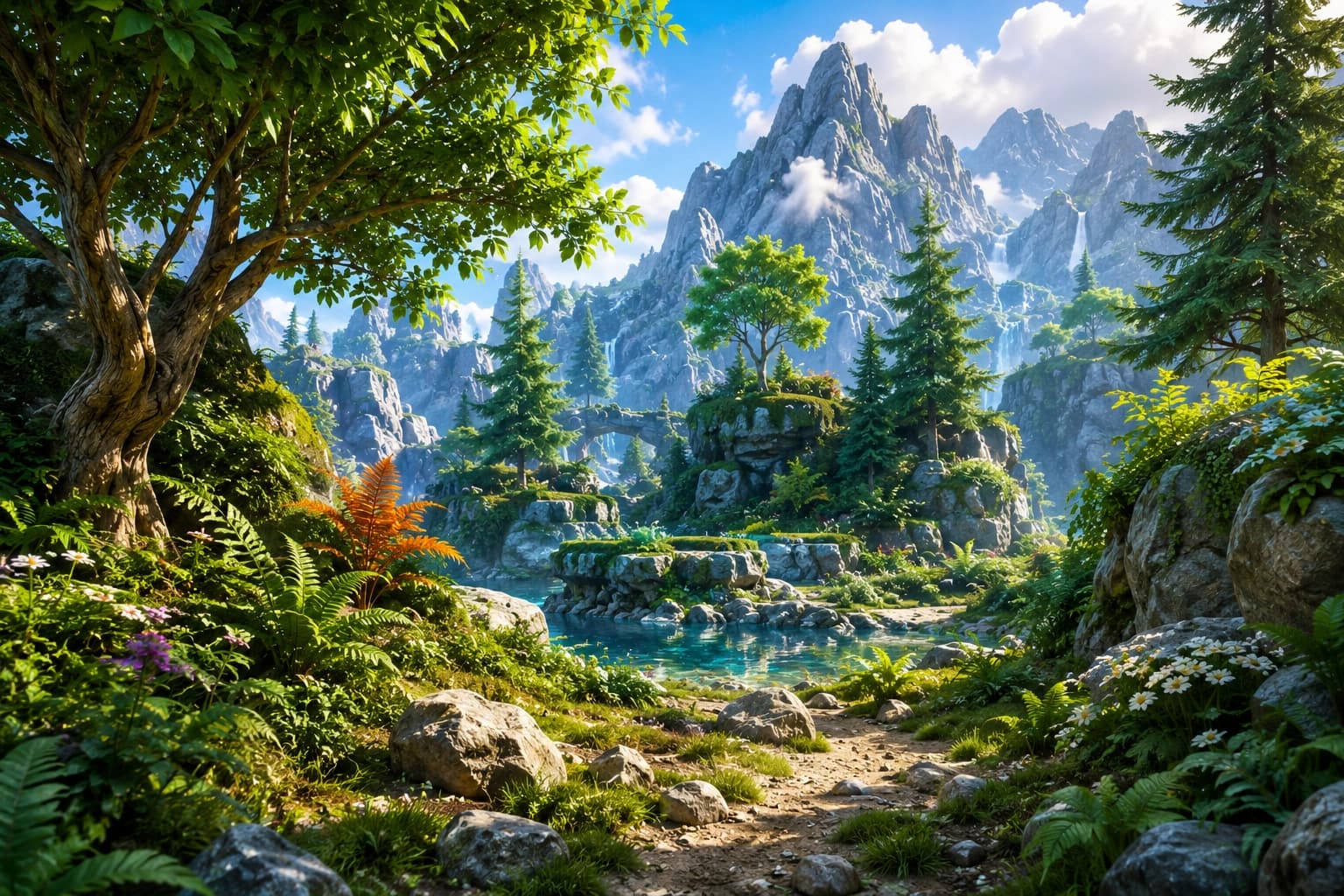 06
06Digital Illustrations
Turn creative artwork into immersive 3D objects.
Fine-tune before you generate
Control quality, mesh density, texture resolution, materials, background, and scale — then export in the format your pipeline needs.
Generation Quality
Mesh Density
70%Texture Resolution
Material Presets
Scale Adjustment
50%Background Removal
Supported Export Formats
The fastest path from photo to product
Skip the slow modeling pipeline. Upload an image and get an editable, production-ready asset in minutes.
Faster Production
Convert images into 3D assets within minutes.
Professional Quality
Generate detailed models suitable for production environments.
Reduced Manual Modeling
Save time by eliminating repetitive modeling tasks.
Cross-Industry Applications
Workflows across gaming, architecture, manufacturing, retail, robotics, and media.
Flexible Workflow
Import images, edit models, and export to your preferred 3D software or engine.
Built for every pipeline
Game Development
Create characters, props, weapons, and environmental assets.
E-Commerce
Generate interactive 3D product models for online stores.
Architecture
Convert design concepts into visualization-ready assets.
Manufacturing
Prototype products and industrial components faster.
AR / VR / XR
Develop immersive assets for virtual and augmented reality experiences.
Film & Animation
Accelerate asset creation for cinematic and animation pipelines.
Image-to-3D questions
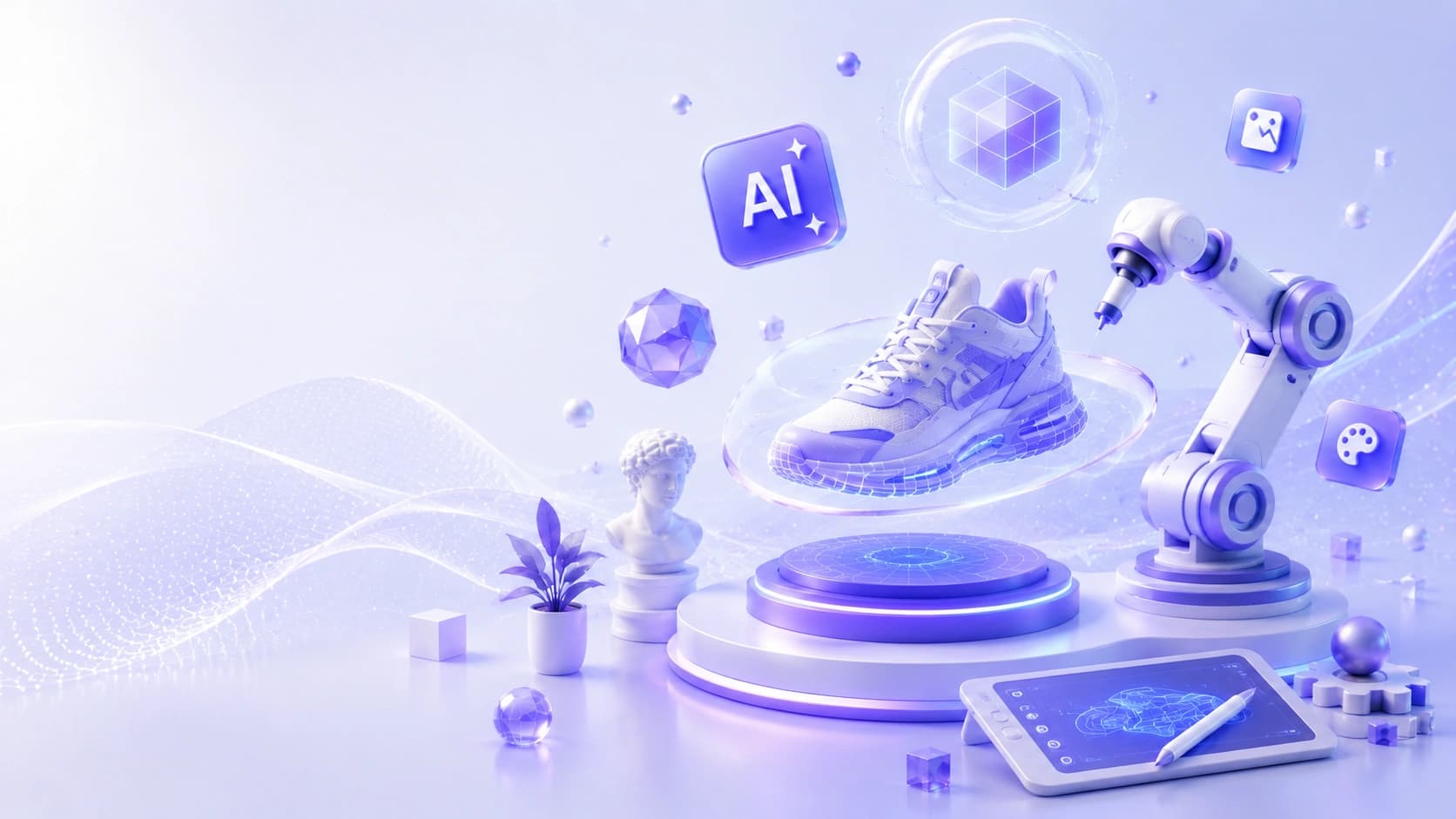
Bring Your Images to Life in 3D
Transform photos, artwork, and design concepts into production-ready 3D assets with the power of AI.